How to setup Advanced Country Code
The advanced country code feature allows you to automatically correct your customer numbers according to their country code so that your website can send messages correctly.
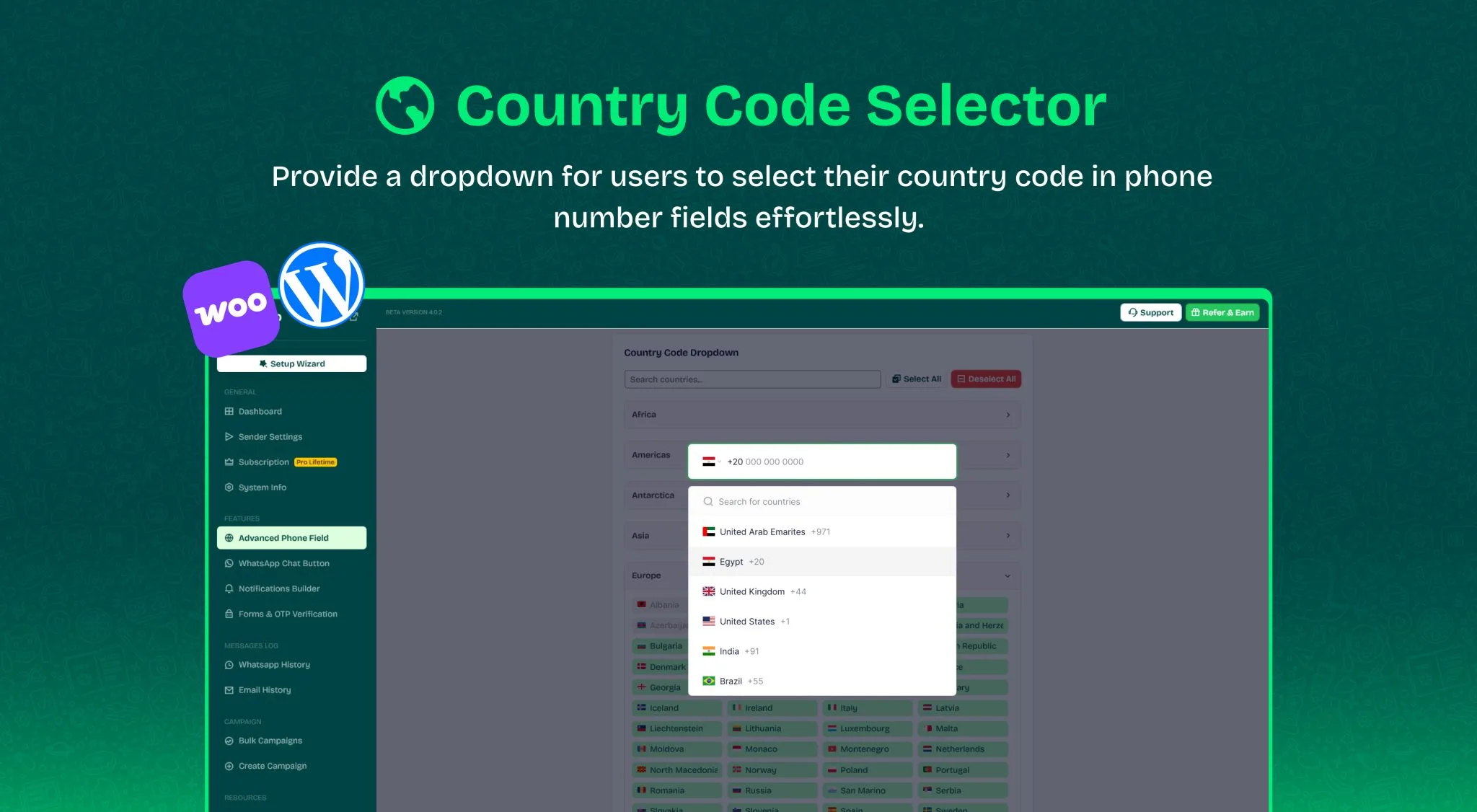
The advanced country code feature allows you to automatically correct your customer numbers according to their country code so that your website can send messages correctly.
You can use this feature with Wawp services and any external messaging service.
- You can use it with any send sms plugin.
- You can use it with all phone number fields on your website.
- Support all countries with new flags, symbols and keys to that country.
- The ability to check the carrier network name and whether the number has WhatsApp or not.
Country Code Dropdown
Through this list, you can enable and disable the countries you need to appear on your site to accept the autocorrect process and support them in your list of phone number fields. 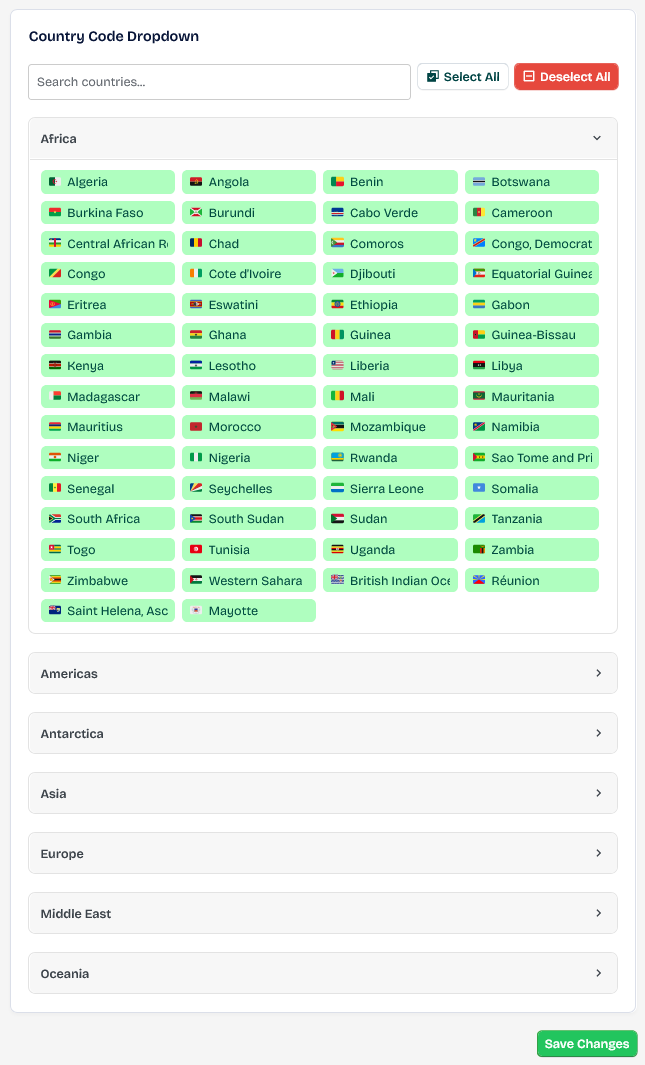
Default Country Code
This feature is designed if you have one country, it works automatically to specify it in the input field automatically so that your site does not load the IP check every time the visitor enters the field that contains the country code. It also works if you have multiple active countries, but the client’s country was not found in the scan after checking the IP, so it appears if the country does not exist. 
Enable IP Detection
If your site serves more than one country, activate it. It will check the IP address of the client’s country to automatically retrieve the country’s flag and reduce searching in country codes, making the experience of entering the number smoother. 
Enable Carrier Lookup
This feature checks the network carrier such as Vodafone, AT&T, and all carriers of all other countries. It is a professional feature that gives the user a good impression of the experience. 
Enable WhatsApp Check
This feature is primarily designed for the customer to inform them if the number is valid from the start and the system recognizes it as a WhatsApp number that can receive messages. It also gives a good impression of the user experience on your website. 
Phone Fields
Phone Fields setting area can support the country code feature for any number input and works programmatically based on the input ID. #billing-phone: used for Woocommerce Gutenberg react #billing_phone: used for Normal Woocommerce Checkout #awp_whatsapp: used for Wawp Login Form #awp_phone: used for Wawp Signup Form
How you can get input id
- open browser inspector
- Find input like
<input type="tel" id="awp-connect-phone-number" placeholder="e.g., 447441429009">
Take id like “awp-connect-phone-number” to add it to wawp like #awp-connect-phone-number and give it name to know for what this input used 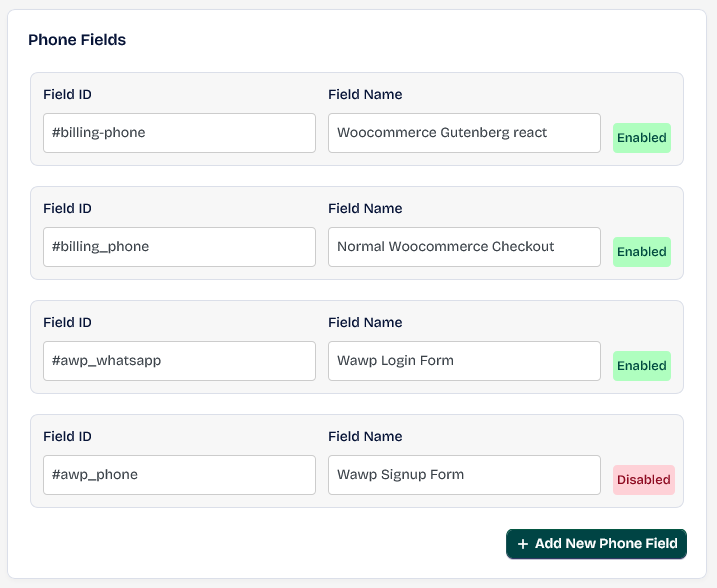
If you need to disable country code later on one of inputs just click on Enabled button to see it Disabled then click on Save button
What does the user see in the field in the Front End when entering his number?
When number Valid and have Whatsapp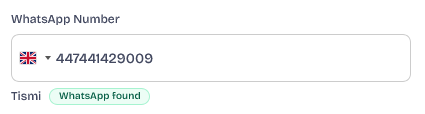 When number Valid but not have Whatsapp
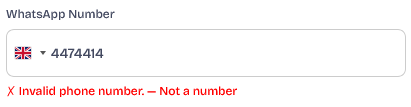
 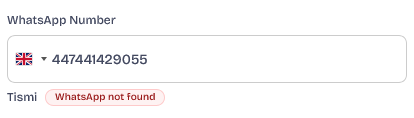 When number not valid