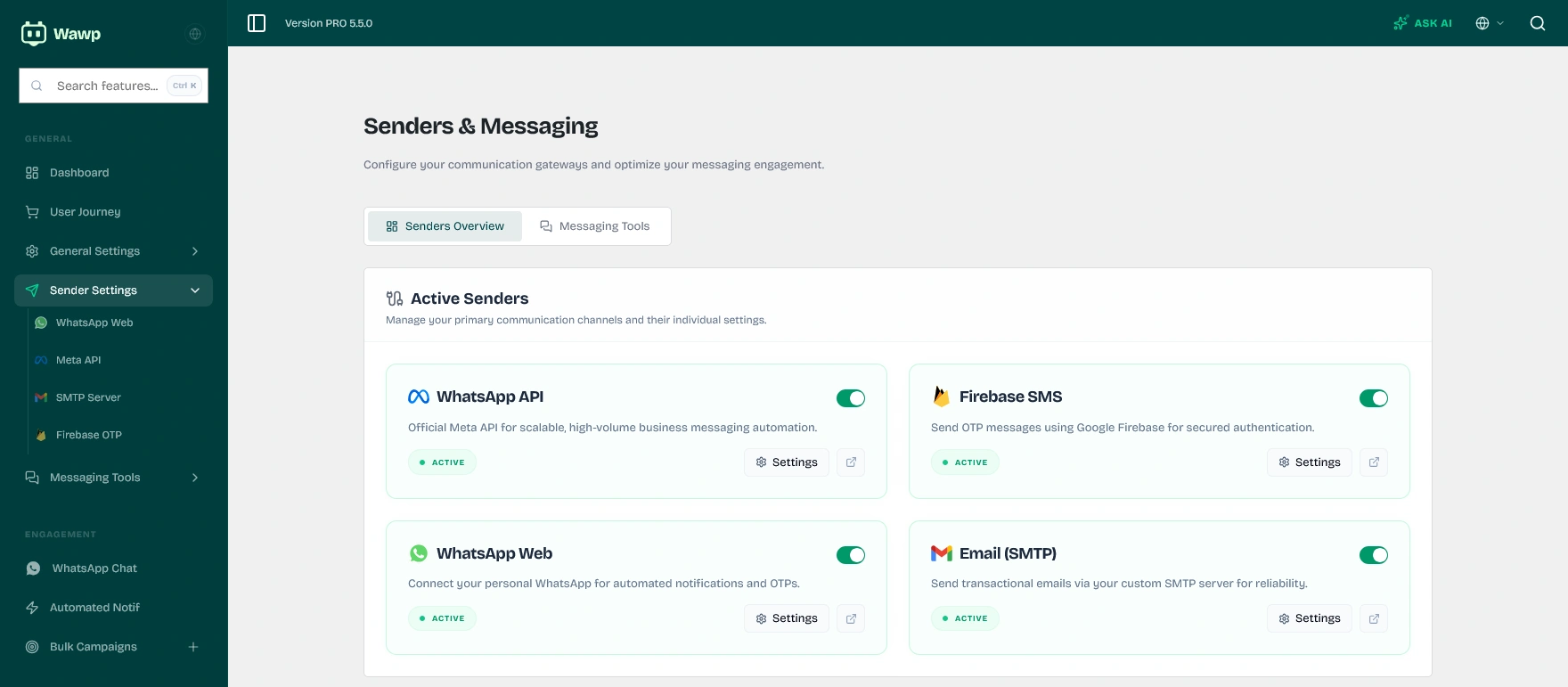
Outbound Channels Comparison (Which one should you choose?)
Choosing the correct sending channel depends heavily on your budget, message volume, and technical familiarity. Use this quick comparison matrix to decide:
Channel
Outbound Cost
Setup Difficulty
Best For
Key Advantage
WhatsApp Web
100% Free (No per-message fees)
Easy (Scan QR Code)
Small & Medium Businesses
Uses your personal/business number with zero additional costs.
WhatsApp Meta API
Paid per-conversation (First 1,000/mo free)
Medium (Meta Developer Account)
Large Enterprises / Bulk Senders
High deliverability, official green badge support, and scale.
Firebase SMS
Paid per SMS (First 10,000/mo free)
Medium (Google Console setup)
Backups & OTP verification
Works globally, highly secure, and doesn't require a phone app.
SMTP Email
Free or Low Cost (Host/Provider based)
Easy to Medium
Order receipts & detailed newsletters
Standard communication channel with no delivery rate limits.
PRO TIPROBUST DELIVERY STRATEGY
Enable Fallback Channels: We highly recommend configuring SMTP Email alongside your WhatsApp channels. If a customer's WhatsApp is unreachable or your phone loses internet connection, the system will automatically route system transactional emails and OTP backup verification links via email, keeping your operations 100% online.
WhatsApp Web settings
This method allows you to link the WhatsApp number associated with the WhatsApp app on your regular phone or the WhatsApp Business app to send directly and at a lower cost.
Recommended to use the WhatsApp Business app because it has proven to be more effective and the connection method is the same as when connecting to WhatsApp Web.
First, activate the WhatsApp Web feature from Sender settings within the Wawp plugin.
WhatsApp Web Gateway Config
Configuration options for connecting your personal or business WhatsApp number via QR code.
Keywords: whatsapp web configuration, qr code link, personal number sender
For a detailed, step-by-step setup guide covering QR code scans, OTP link codes, manual API credential entries, and session management, explore our dedicated WhatsApp Web Connection Guide.
WhatsApp Web Anti-Ban Advice
To protect your WhatsApp number from being flagged or banned by spam filters:
Always use WhatsApp Business instead of a personal account.
In the plugin settings, set custom Delay Intervals (e.g., 5 to 15 seconds) to mimic human typing speeds.
Use personalized variables (like customer names and order IDs) to ensure each message payload is structurally unique.
Meta API Settings
Configure your Meta API credentials for sending messages and setting up webhooks.
You can find a detailed guide on How to Setup WhatsApp Meta API to use this professional messaging channel.
WhatsApp Meta Cloud API Config
Setting up the official Meta Cloud API developer credentials for automated business-verified messaging.
Keywords: meta api credentials, whatsapp cloud developer, official business sender
SMTP Settings
Sending mail from your website depends on the quality of your hosting provider’s email. If your website sends mail normally, you can skip setting up this feature.
WordPress SMTP Mailer Config
Configuring custom SMTP providers for secure and reliable transactional email delivery.
For a detailed setup guide covering popular email providers (like Google Workspace, Outlook, SendGrid, and Mailgun) and ensuring high deliverability, explore our dedicated SMTP Configuration Guide.
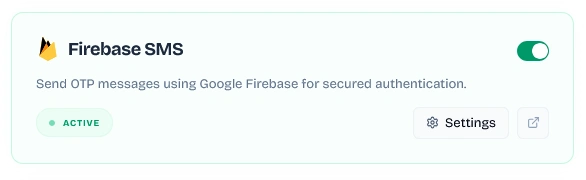
Firebase SMS settings
Leverage Google Firebase SMS Authentication to send fast, secure verification codes (OTP) globally directly from your web application.
Firebase Web SDK Config
Integrating Google Firebase Web SDK credentials for global phone OTP SMS verifications.
Keywords: firebase sms authentication, web sdk credentials, otp sms gateway
For a detailed setup guide covering Google Console registration, whitelisting authorized domains, Blaze plan upgrades, and real-time verification sandbox tests, check out our dedicated Firebase SMS Configuration Guide.