About Wawp Log

The log allows you to know deep details about messages dispatched from your site, delivery metrics, and current read status.

5 min read·Updated May 12, 2026
About Wawp Log

Gain total comprehensive visual overview reporting transparently monitoring exact system transmission channels.


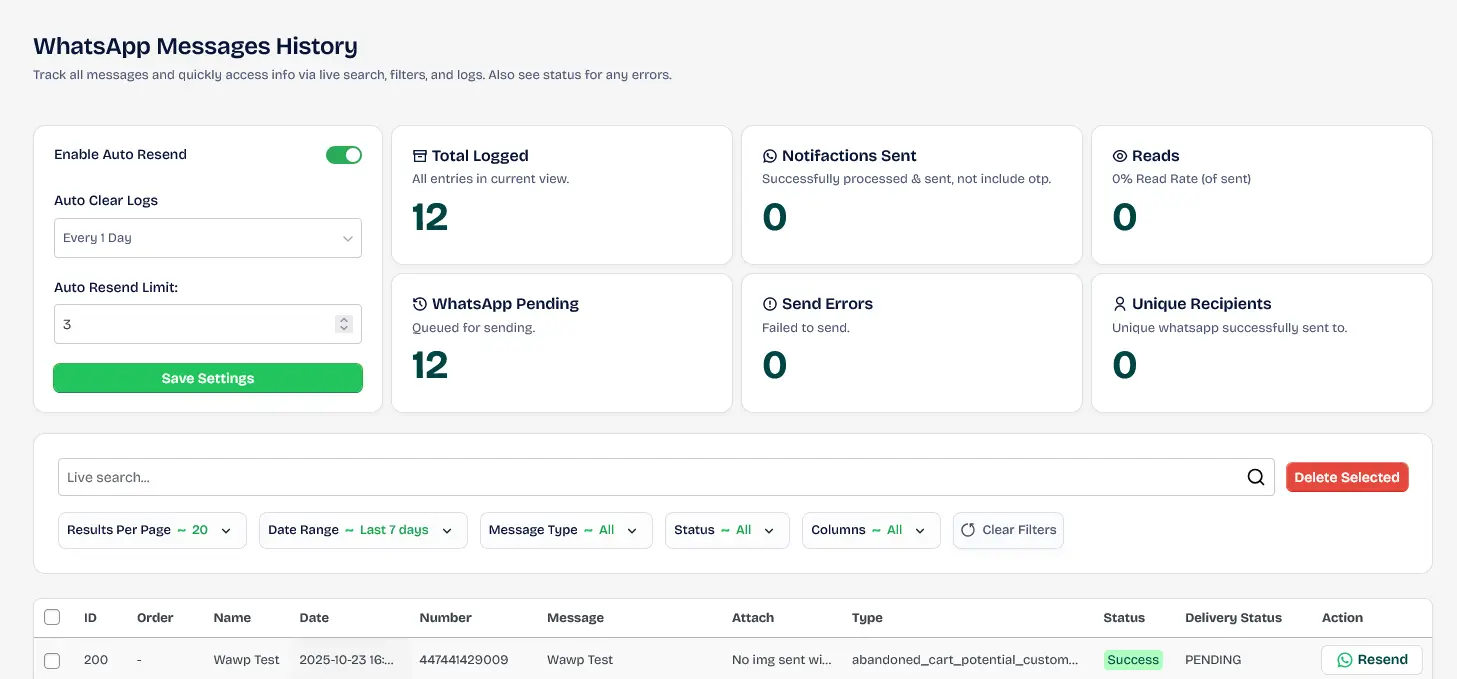
WhatsApp Messages History

Track operational flows and granularly identify informational states utilizing instant realtime trackers and comprehensive search filters.

Logs Management Suite
WhatsApp Activity Logs Overview

Comprehensive dashboard showing all outbound WhatsApp messages with timestamps, statuses, and recipient details.

Keywords: whatsapp activity logs, message history, wawp log tracking

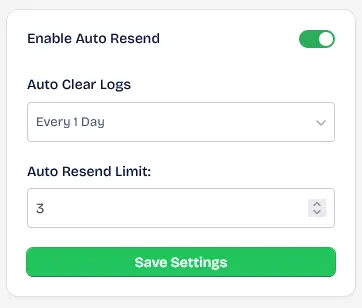
Enable Auto Resend

This feature enables you to resend messages that failed to be sent from your site.

Recovery Trigger Configuration
Enable Auto Resend Feature

Configuration settings to automatically retry sending failed messages for higher delivery rates.

Keywords: auto resend whatsapp, fix failed messages, automated recovery

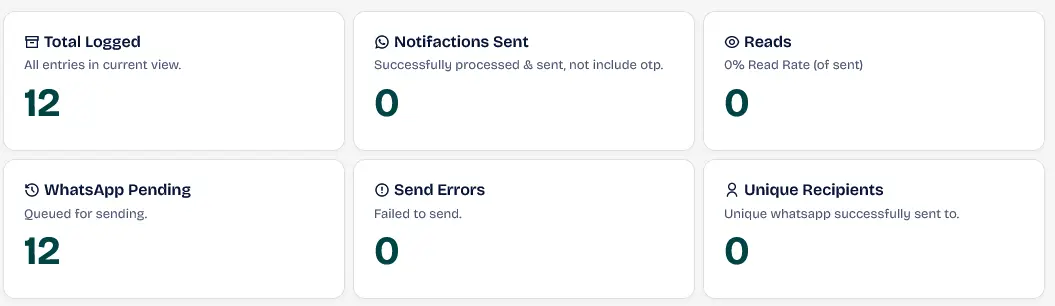
Total message sending

This section includes information on the number of messages sent, read rate, unique messages, and more.

Analytics Subheader Module
Messaging Analytics Summary

Statistical overview showing total messages sent, read rates, and successful transmissions.

Keywords: whatsapp analytics, message statistics, delivery metrics

Live search engine and filters

You can search live to view results instantly or customize filters to view specific messages according to your preferences.

Dynamic Log Sifters
Live Search and Filters

Advanced search interface to filter logs by recipient, date, or delivery status.

Keywords: search activity logs, filter whatsapp messages, log management tools

WhatsApp Web Message History Spreadsheet

The data includes detailed information about each message sent.

Horizontal Spreadsheet Snapshot
Activity Log Columns

Visual breakdown of the data columns in the activity log table, including ID, User, and Message body.

Keywords: log table structure, data columns, activity log fields

The following information is included:

Screen ViewData ColumnDescription
ID Column
ID Field

The unique row identifier in the database.

Keywords: log id, database record

| ID | This field retrieves the row number from the database for this record. | |

User ID Column
User ID Field

The WordPress User ID associated with the log entry.

Keywords: user id, account registry

| User ID | User ID in WordPress according to their local account registry. | |

Order Column
Order ID Field

The WooCommerce order number linked to this message.

Keywords: order id, ecommerce tracking

| Order | The numerical order code bound to the dispatch (Left blank if unrelated to ecommerce). | |

Name Column
Customer Name Field

The full name of the recipient.

Keywords: customer name, recipient identity

| Name | Displays user's full First and Last identity recorded in account variables. | |

Date Column
Timestamp Field

The exact date and time the message was sent.

Keywords: message timestamp, historical date

| Date | Explicit historical Timestamp recording when transmission finalized. | |

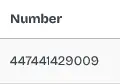
Number Column
Phone Number Field

The recipient's WhatsApp phone number.

Keywords: phone number, whatsapp terminal

| Number | User's registered WhatsApp terminal. Make sure it preserves Country Code formats. | |

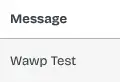
Message Column
Message Body Field

The actual text content sent to the recipient.

Keywords: message body, sent content

| Message | Verbatim explicit body text included within the forwarded content stream. | |

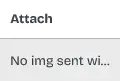
Attach Column
Attachments Field

Links to any files or media attached to the message.

Keywords: message attachments, media links

| Attach | References attached file buffers like Images, PDFs, and other multimedia files. | |

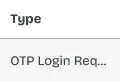
Type Column
Traffic Type Field

The category or origin of the message traffic.

Keywords: message type, traffic origin

| Type | Differentiates traffic origin source (OTP Logins, Orders, Multi-Broadcast, etc). | |

Status Column
API Status Field

The initial delivery status from the Wawp API.

Keywords: api status, delivery success

| Status | Core localized status (Success, Failed, Unknown). Clicking reveals raw API responses (See Wawp API Status Codes for details). | |

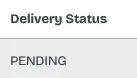
Delivery Status Column
Read Status Field

The real-time read receipt status from the handset.

Keywords: read status, delivery receipt

| Delivery Status | Dynamic remote state loopback directly from handset (Waiting, Sent, Read). | |

Action Column
Manual Resend Field

Control for manually re-triggering message sending.

Keywords: manual resend, action trigger

| Action | Functional manual triggering interface to retry manual resends instantly. | |

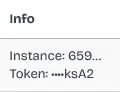
Info Column
Metadata Field

Internal system metadata and identifiers.

Keywords: system metadata, internal id

| Info | System metadata packets and unique internal send identifiers. | |

Ref ID Column
Reference ID Field

Secondary tracking code for resubmissions.

Keywords: reference id, tracking code

| Ref ID | Secondary tracking codes applicable strictly only to manual resubmissions. |


⚠️ Important Technical Information

  • Strict Format Enforcement: The target number must start with the country code without 00 or + to ensure proper routing. Mismatched formats (e.g., 07... instead of 447...) results in explicit vendor rejection failures. We recommend enabling our Advanced Country Code feature to standardize phone formats automatically.
  • Cron & Retrieval Logic: Delivery tracking propagates exclusively upon persistent WP-Cron intervals matching the precise logged instance identifiers. Discrepancies break verification loops.
  • Recipient Read Receipts: Active device-level read statuses required globally on the target phone to trigger successful "Read" confirmation feedbacks correctly.

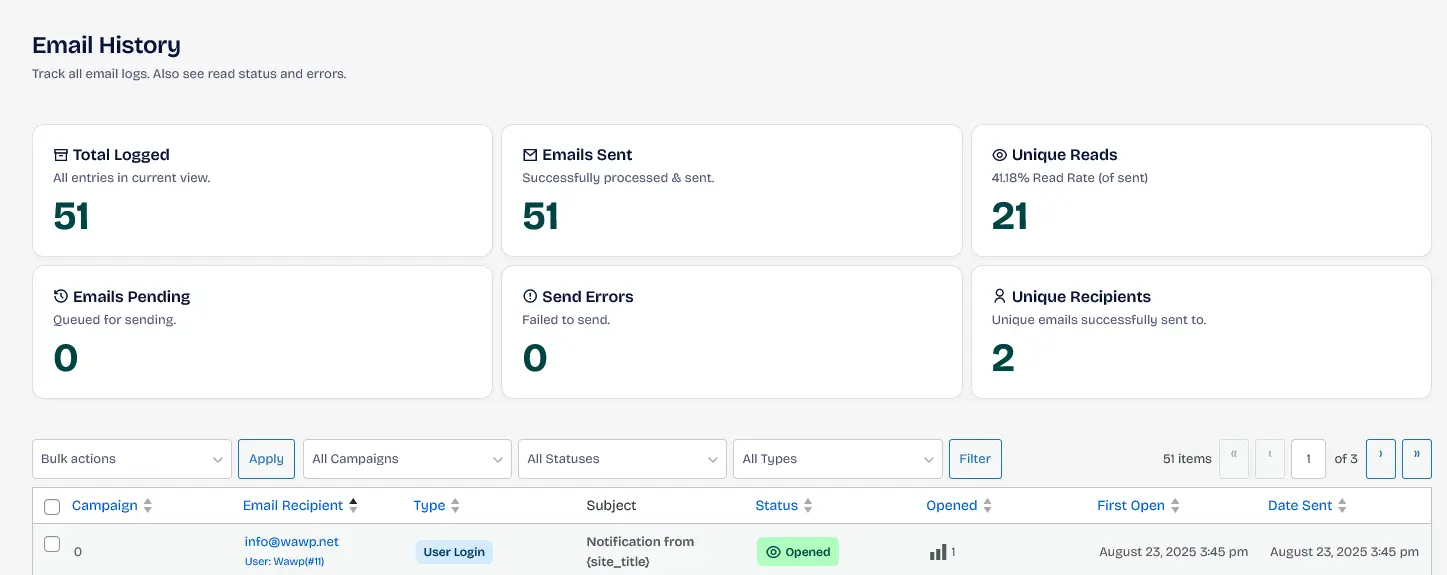
Email History Stack

Track all email logs. Also see read status and errors. You can find details about each message that was sent and the status of the message such as sent, opened, etc.

Email Activity Stream Layout
Email History Dashboard

Detailed log of all system-generated emails (invoices, OTPs) with open and delivery tracking.

Keywords: email logs wordpress, track outbound emails, email delivery history

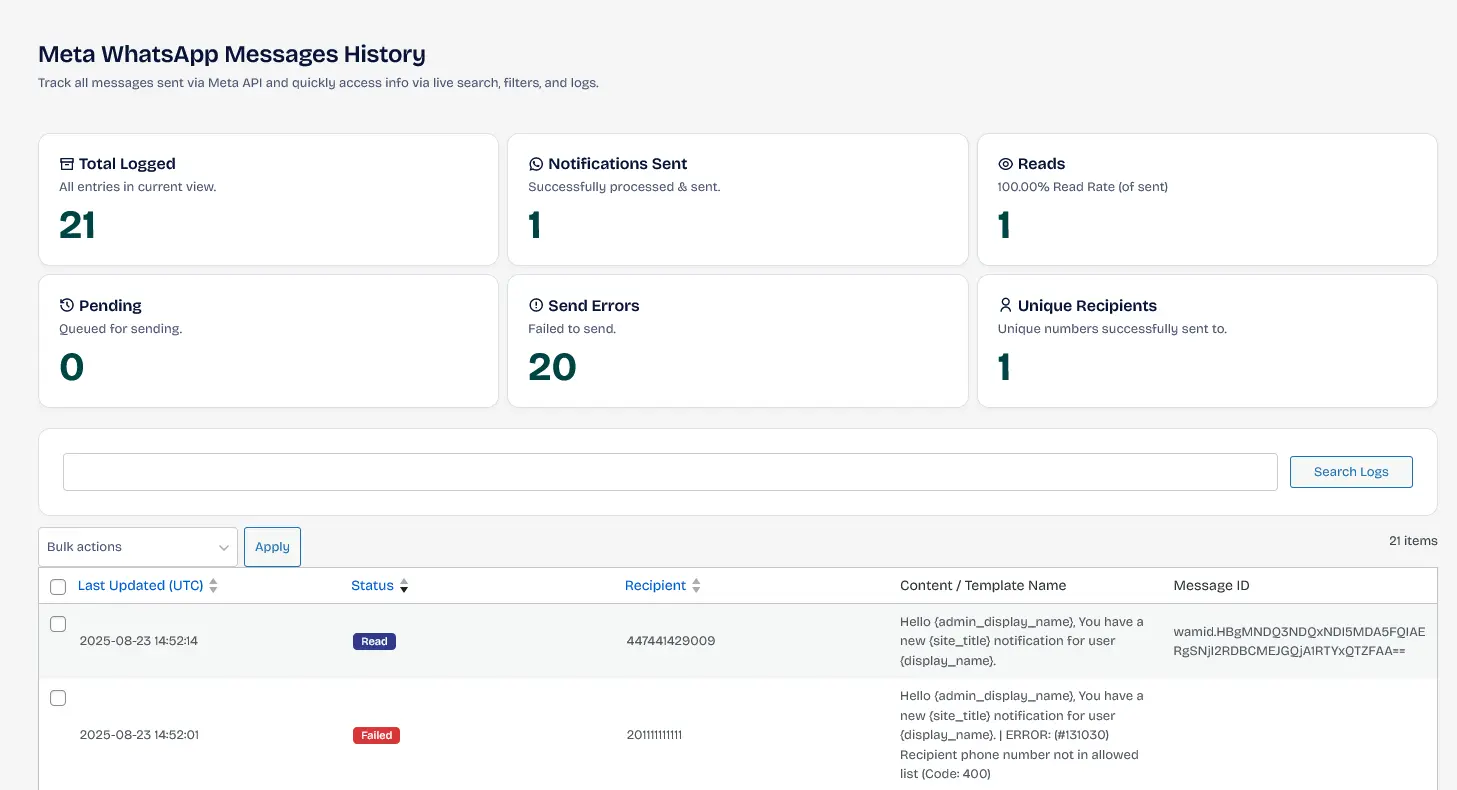
Meta WhatsApp Official API History

Track all messages sent via Meta API and quickly access info via live search, filters, and logs. You can find details about each message that was sent and the status of the message such as sent, opened, etc (Review Meta Delivery Metrics for explanation).

Cloud API Logging Engine Interface
Meta WhatsApp API Logs

Technical activity log for messages sent via the official Meta Cloud API, including pricing and metadata.

Keywords: meta api logs, whatsapp business api history, cloud api tracking
Share this article:

Did this page help you?
99% found this article helpful (225 likes)