The Wawp Plugin Dashboard is a centralized control panel that allows you to manage automated workflows, track delivery performance, and monitor system health in one single location. Every feature can be toggled on or off programmatically with a single click.
About Wawp Plugin Dashboard
The Wawp Plugin Dashboard serves as your centralized hub, allowing you to monitor system health, check user snapshots, and control all advanced engagement and security features.
6 min read·Updated August 23, 2026

Performance Optimized: Disabling any feature from this dashboard completely prevents its scripts, stylesheets, and database queries from loading on your website. This ensures maximum loading speeds by enqueuing only the exact tools you are actively using!
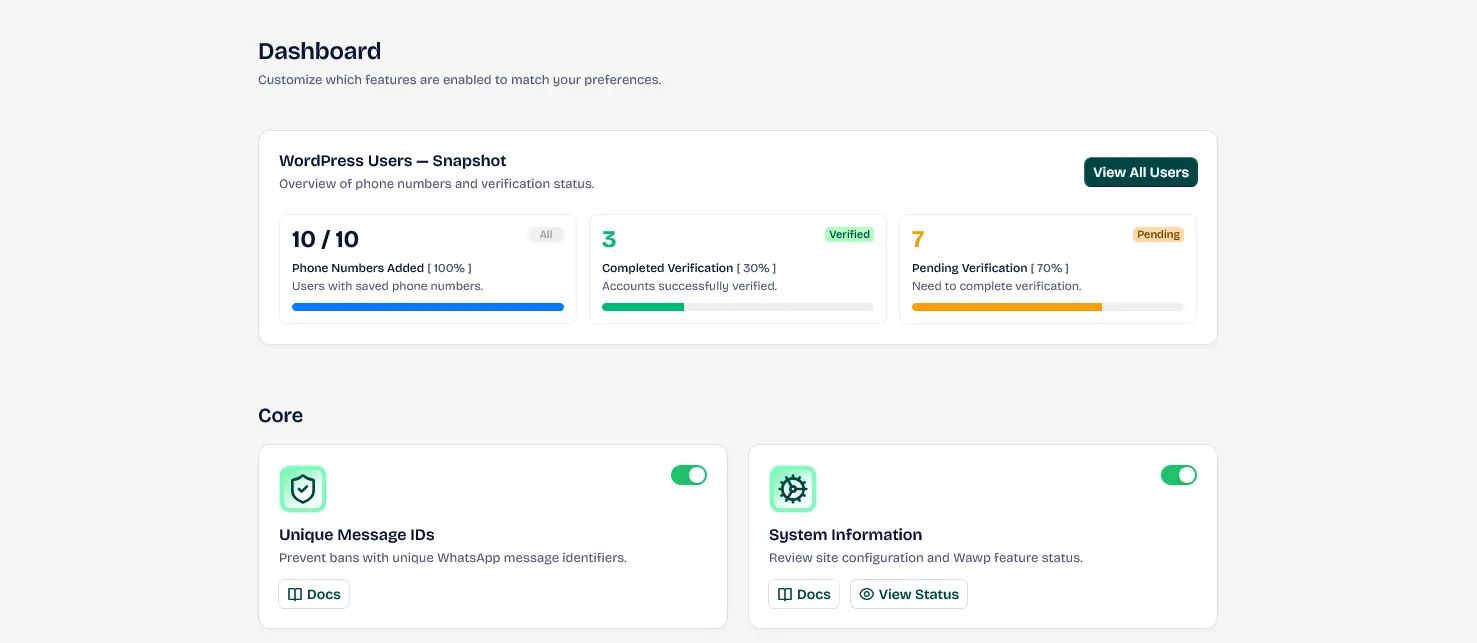
The central management interface for Wawp, providing quick access to all automation tools and settings.
Keywords: wawp dashboard, wordpress admin ui, plugin management1. WordPress Users — Snapshot
This diagnostic panel displays a high-level statistical snapshot of your WordPress database accounts and their WhatsApp verification status:
- All Users: Displays the total count of WordPress accounts registered in your database.
- Phone Numbers Added: Shows the total count of users who have successfully added and saved their phone numbers.
- Completed Verification: Displays the count and percentage of accounts that have completed successful WhatsApp OTP phone verification.
- System Information Checklist: A diagnostic health bar that displays server/cron status. Click on Settings to run instant auto-repairs and view full diagnostic status. Learn more about System Status
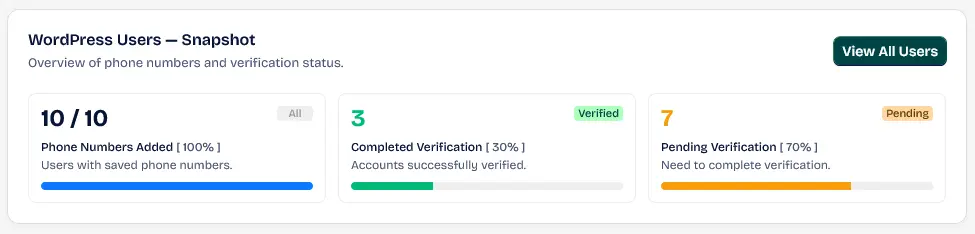
A statistical overview of registered WordPress users, phone numbers, and verification statuses.
Keywords: user statistics, wordpress database, subscriber monitoring2. Engagement & Retention
This section houses all advanced communication tools designed to automate interactions, recover abandoned shopping carts, and boost customer lifetime value:
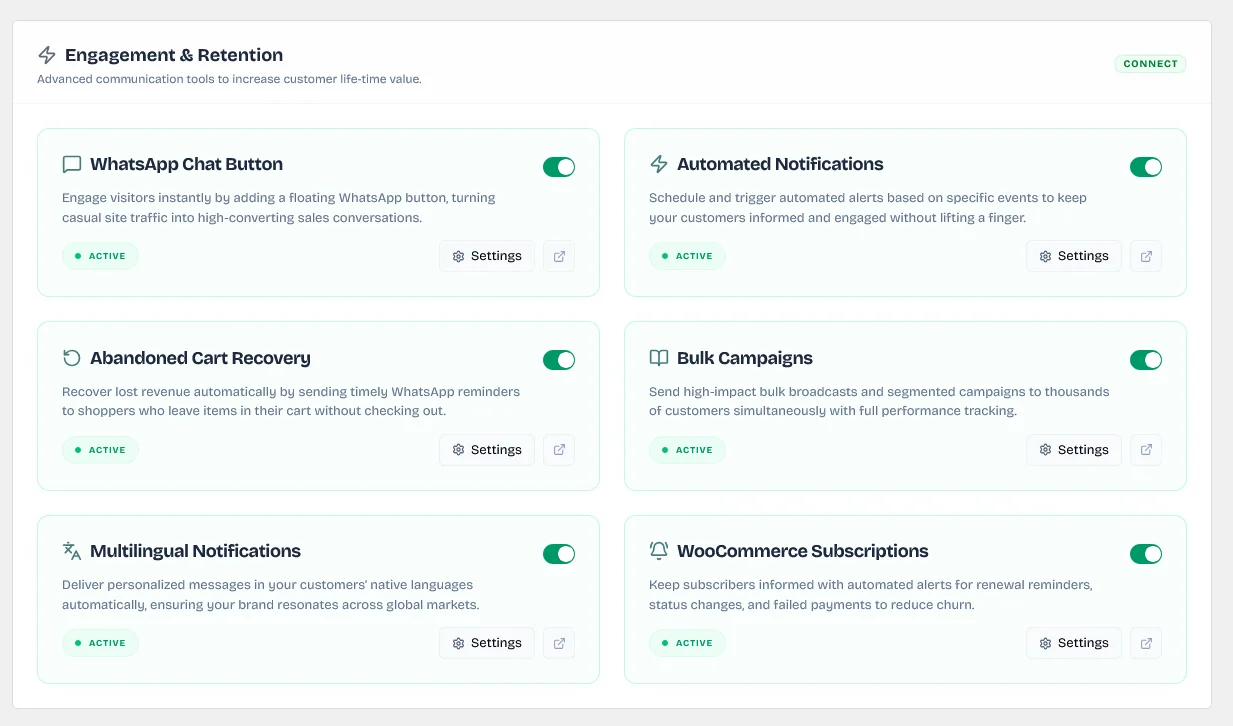
Overview of all communication, abandoned cart, and bulk campaign features.
Keywords: engagement tools, customer retention, whatsapp automationWhatsApp Chat Button
Engage visitors instantly by adding a floating WhatsApp button, turning casual site traffic into high-converting sales conversations. Includes agent profiles and custom trigger styling. Setup WhatsApp Chat Button
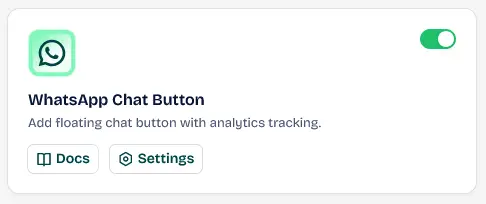
Adding a floating WhatsApp contact button to your site to facilitate direct customer communication.
Keywords: whatsapp chat button wordpress, customer contact widget, floating chat iconAutomated Notifications
Schedule and trigger automated alerts based on specific events (such as WooCommerce order placement, account signup, or profile changes) to keep your customers informed and engaged without lifting a finger. Configure Automated Notifications
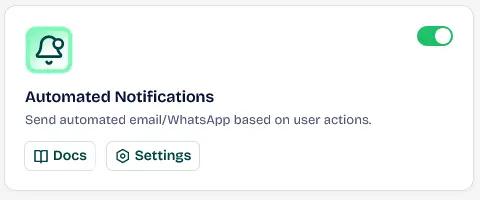
Setting up automated WhatsApp or Email messages triggered by specific user actions on the site.
Keywords: automated whatsapp notifications, message automation, system alertsAbandoned Cart Recovery
Recover lost revenue automatically by sending timely WhatsApp reminders and custom discount codes to shoppers who leave items in their cart without checking out. Setup Abandoned Cart Recovery
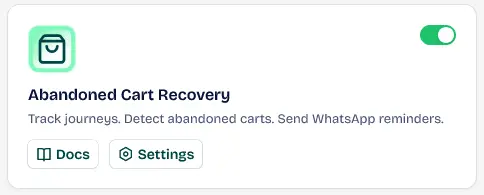
Dashboard for tracking incomplete orders and sending automated recovery reminders via WhatsApp.
Keywords: woocommerce abandoned cart, recover lost sales, cart reminderBulk Campaigns
Send high-impact bulk broadcasts and segmented promotional campaigns to thousands of verified customers simultaneously with full performance tracking and scheduling. Learn about Bulk Campaigns
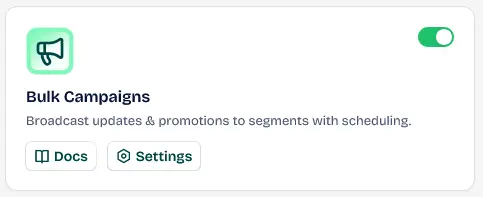
Powerful tool for sending promotions and updates to thousands of customers with scheduling support.
Keywords: bulk whatsapp sender, marketing campaigns, broadcast messagesMultilingual Notifications
Deliver personalized messages in your customers' native languages automatically based on their profile language preferences, ensuring your brand resonates across global markets. Compatible with WPML and Polylang.
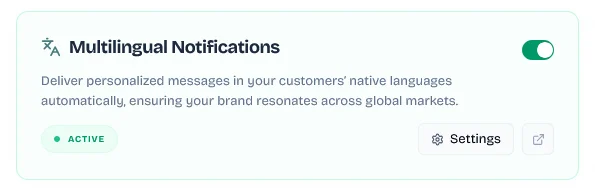
Mapping translated message templates to automation triggers for each active language.
Keywords: message translation, language templates, localized messagingWooCommerce Subscriptions
Keep subscribers informed with automated alerts for upcoming subscription renewal reminders, payment failures, and status changes to proactively reduce churn.
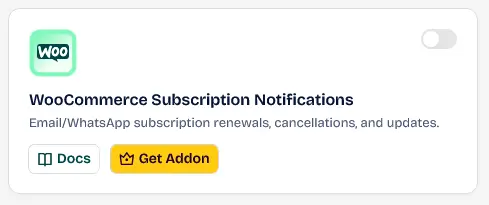
Automated alerts for WooCommerce subscriptions to notify customers of upcoming renewals.
Keywords: woocommerce subscriptions, renewal reminders, automated payments3. Authentication & User Management
This panel secures and streamlines your user onboarding process with secure, WhatsApp-powered identity verification flows:
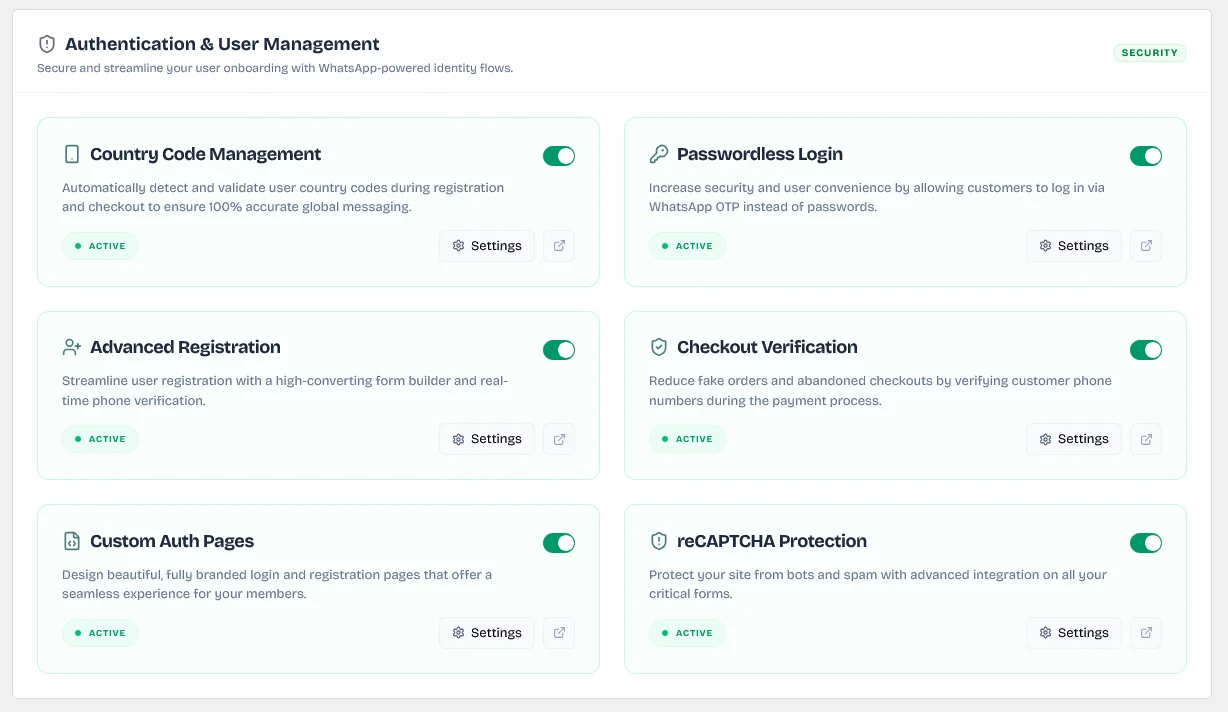
Overview of country code checks, passwordless registration, and login verification.
Keywords: user authentication, identity flows, secure registrationCountry Code Management
Automatically detect and validate user country codes during registration and checkout based on visitor IP address to ensure 100% accurate global messaging formats. Setup Country Code Management
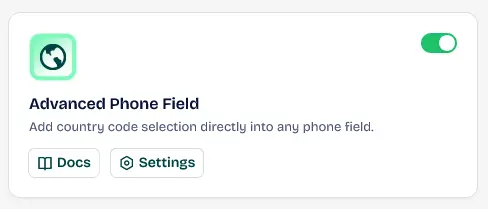
Adding country flags and automatic validation to phone input fields across your website.
Keywords: advanced phone field, country flags, input validationPasswordless Login
Increase security and user convenience by allowing customers to log in securely via a secure one-time password (OTP) sent directly to their WhatsApp instead of passwords. Configure Passwordless Login
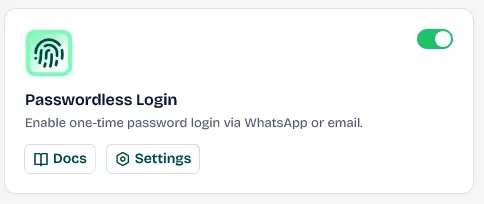
Enabling customers to log in securely using a one-time password sent to their WhatsApp.
Keywords: otp login, whatsapp authentication, account securityAdvanced Registration
Streamline user registration with a high-converting form builder, customizable fields, and real-time mandatory phone verification before account activation. Create Registration Form
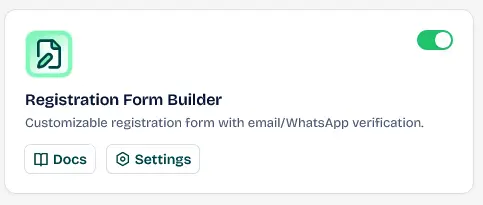
Building custom registration fields with mandatory phone verification before account creation.
Keywords: custom registration form, phone verification, form builderCheckout Verification
Reduce fake orders, spam registrations, and cash-on-delivery (COD) fraud by verifying customer phone numbers with WhatsApp OTPs during the payment checkout process. Setup Checkout Verification
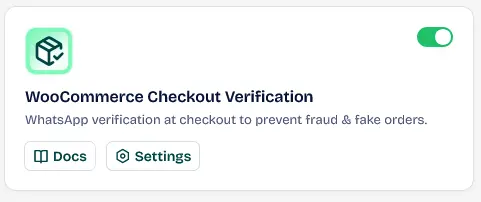
Preventing fake orders by sending a verification code to the customer's WhatsApp at checkout.
Keywords: order verification, prevent fraud woocommerce, checkout otpCustom Auth Pages
Design beautiful, fully branded login, signup, and reset pages that offer a seamless authentication experience for your subscribers. Manage Authentication Pages
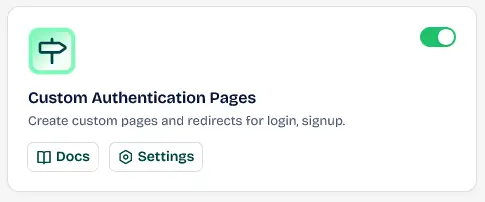
Redesigning login and registration pages to match your site's unique branding.
Keywords: login page design, user redirects, custom auth pagesreCAPTCHA Protection
Protect your site from automated bots, brute force logins, and spammers with advanced Google reCAPTCHA integrations deployed seamlessly on all critical frontend forms.
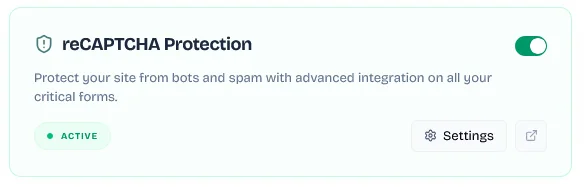
Securing website login and registration forms from automated spam submissions.
Keywords: google recaptcha, forms security, bot preventionVisible Checkbox Security: The reCAPTCHA protection uses Google reCAPTCHA v2 keys. This displays the classic "I'm not a robot" visible checkbox challenge to verify visitor integrity, keeping registration and checkout forms completely secure from automated bot spams.
4. Debounced Auto-Save & Manual Controls
Across all new settings layouts and Access Control dashboards (such as the Block Manager), Wawp incorporates a high-performance background auto-save loop to guarantee continuous data synchronization with zero administrative overhead:
- 1500ms Debounce Auto-Save: Whenever settings, phone numbers, or email listings are added, removed, or modified, Wawp automatically triggers a secure, asynchronous background REST API request to commit database updates after a 1.5-second inactivity delay. This eliminates the need to manually click "Save Settings" for every action.
- Manual Save Backup: A standard header status badge (
SaveWithStatus) and a footer save bar are enqueued as visual checkpoints, allowing you to trigger instant manual overrides or verify network connectivity. - Unsaved Changes Shield: An active window listener (
beforeunloadbrowser handler) monitors active sessions and displays a navigation alert if you attempt to leave or reload the tab before background auto-save operations complete successfully.
Previous
Wawp Onboarding & Setup Wizard Guide
NextHow to Configure WordPress WhatsApp Chat Button & Widget
Did this page help you?
100% found this article helpful (177 likes)
Related Articles
Best WhatsApp WordPress Plugin: Complete Linking & Automation Guide
Discover the best WhatsApp WordPress plugin and fully automate your store. Learn about notification dispatches, signup verification OTP forms, and advanced country codes.
Installing and Updating the Wawp Pro Plugin
Learn how to install and update Wawp Pro or Wawp Login Free using the lightweight Wawp Remote Updater downloaded from the official Wawp download page.
Wawp Onboarding & Setup Wizard Guide
A complete step-by-step walkthrough of the Wawp onboarding setup wizard, explaining account authentication, channel synchronization, diagnostics, and migration paths.
- Need help? Contact Support.
- Check out our Changelog.
- Join our Facebook Community.
- LLM? Read llms.txt.
OFFER ENDS SOON
Extra 30% OFF All Plans
Use this exclusive promo code at checkout to enjoy an extra 30% discount on top of current sales!
BOOST30